Guide details
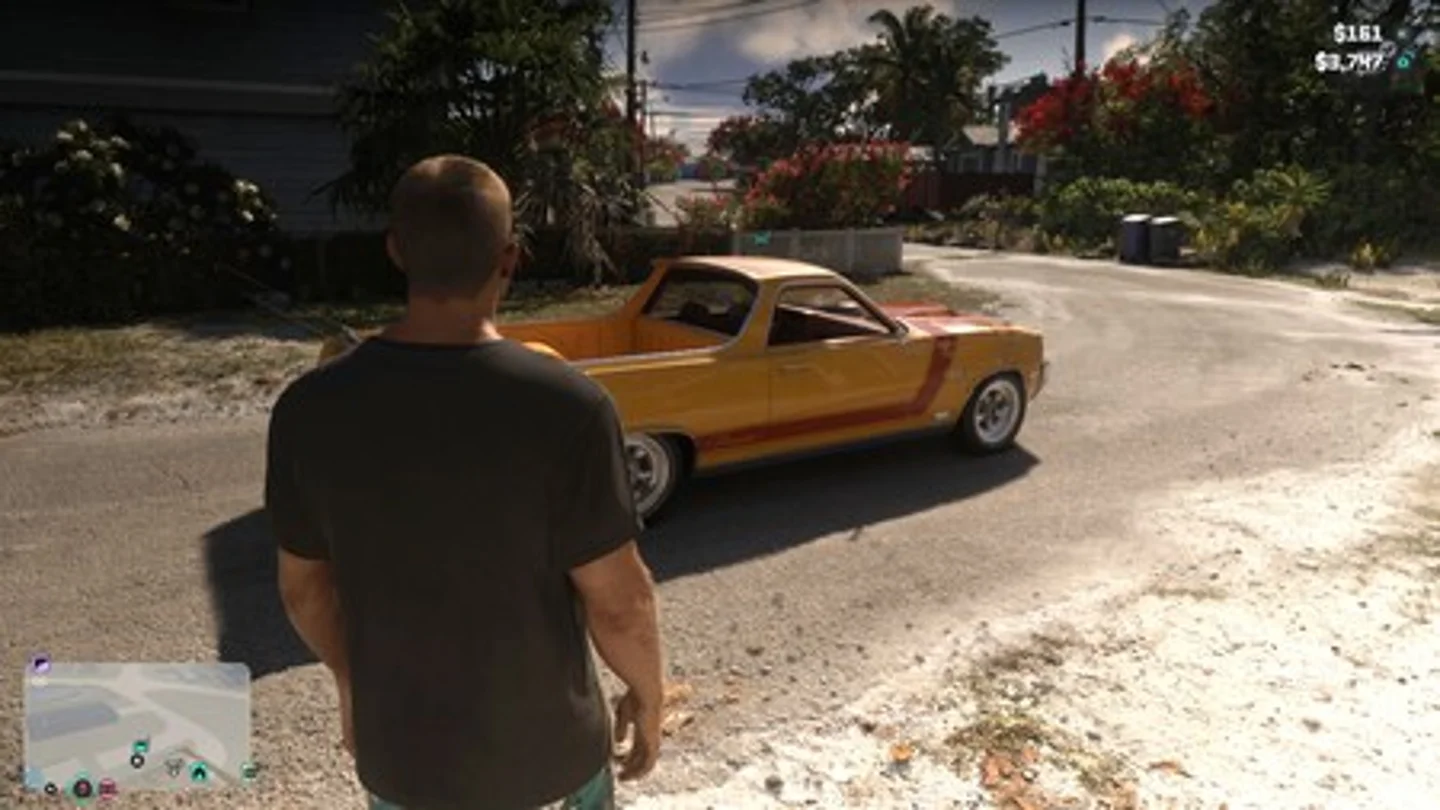
Hold D-pad Down and cycle the three camera views with Square on PS5 or X on Xbox. To inspect in first-person, hold L2/LT and click the right stick.
vice-night
How to change the camera on foot or in a vehicle
Hold D-pad Down to bring up quick navigation. Press Square on PS5 or X on Xbox Series with the default controls to cycle Camera 1, 2 and 3. Release Down to resume play. Check the highlighted camera number after each press.
Set the height separately
Open Pause → Settings → Camera to set height on foot or in vehicles. Use this for vertical framing. Use the quick menu to change the distance and try each setting separately so you can see its effect.
What first-person can do
Hold L2/LT and click R3 or the right stick while standing still. Use R2/RT when the zoom prompt appears. Some aiming views and the phone in a vehicle also use temporary first-person perspectives. The launch settings have no official campaign-wide toggle. PC Gamer reproduced a phone-related camera glitch whose behaviour can change with updates.
How to use first-person while moving on PS5 and Xbox
In Settings → Controller, assign Camera 2/2 to the PS5 touchpad or Xbox View button. Get into a car and press D-pad Up to open your phone. Close it with Circle or B and immediately press the button you assigned to the camera.
If the first try fails, tap the camera button repeatedly as you close the phone, as Willyrex shows from 4:23. The view can persist after you get out, but some actions reset it to third person. This workaround uses a launch-version glitch and may change after a patch.
Related guides
- GTA 6 settings for PS5 and Xbox: controls, subtitles and accessibility
- GTA 6 cheats and cheat codes for PS5 and Xbox